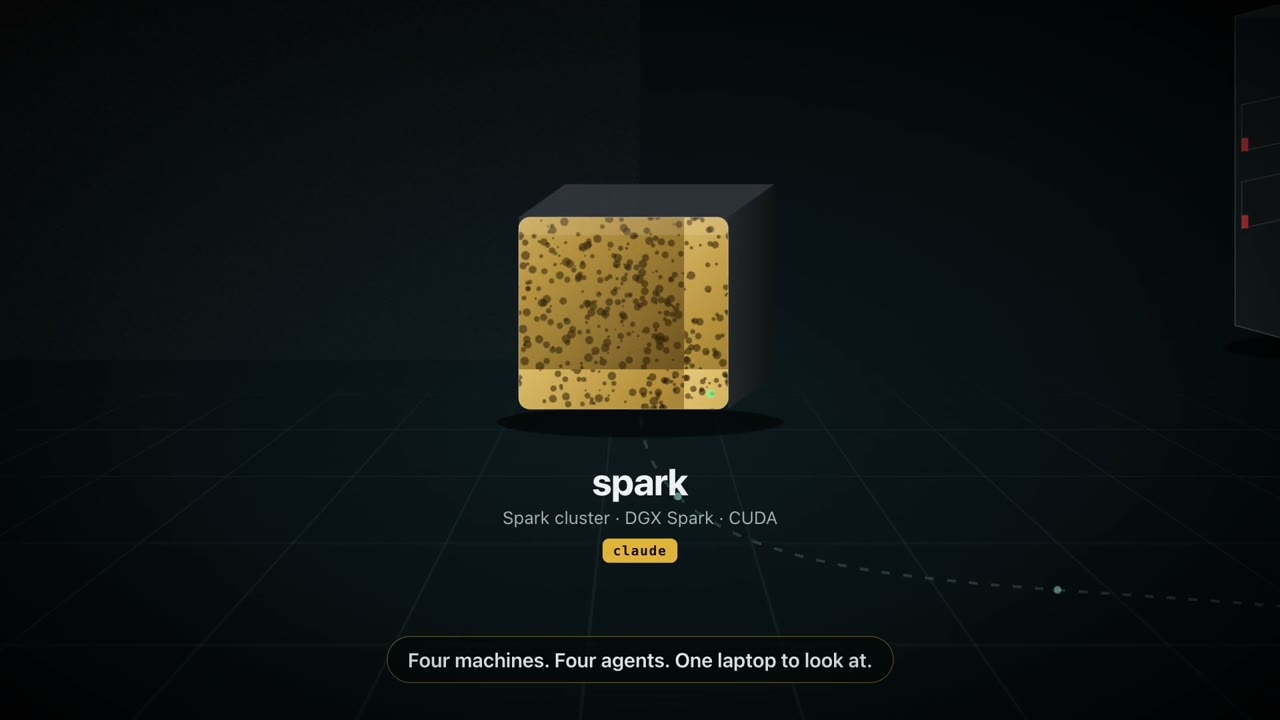
What people send
What to send to it
Loss curves and dashboards
A spike in a W&B or TensorBoard chart goes to the agent that can read your training config.
Notebook and CUDA errors
Capture the traceback from Jupyter in your browser instead of copying half of it.
Recordings of long runs
Record a flickering progress bar or a UI that hangs, then send it, trim it, or shrink it first.
Eval files and configs
Drop result files, sample generations, or configs on the nub and pick the Spark.
Set it up
Five minutes, nothing to install over there.
Install dotshot on your Mac
Download the notarized DMG from GitHub Releases and allow Screen Recording in its setup. Nothing gets installed on the other machine.
Make sure this Mac can reach it with a key
ssh -o BatchMode=yes dev@spark-cluster.local true && echo readyNo key there yet? Run
ssh-copy-id dev@spark-cluster.localonce. Tailscale names and~/.ssh/configaliases (including ones with aProxyCommand) work, because dotshot uses your SSH configuration.Add it as a destination
In setup, or from Terminal (or let your agent do it with the setup skill):
DS=/Applications/dotshot.app/Contents/Resources/dotshot-capture.sh "$DS" add spark dev@spark-cluster.local '~/inbound' "$DS" check sparkcheckcreates a private folder, verifies the key and SFTP, and saves the absolute path your agent will see.Capture
Press ⌃⌥⌘S and drag, or ⌃⌥⌘V to record. The file lands on the machine and its absolute path is on your clipboard.
- DGX Spark runs Linux on arm64. dotshot only needs SSH and a folder there, so the architecture doesn't matter.
- If you connect through NVIDIA Sync or a jump host, give dotshot the same alias you type after
ssh. - Several Sparks? Add each as its own destination (
spark1,spark2) and switch from the pill.
Also works with
One shortcut for the whole fleet.
Every guide uses the same app: add each machine once, then switch from the pill, a drop tile, or a dotshot:// link.