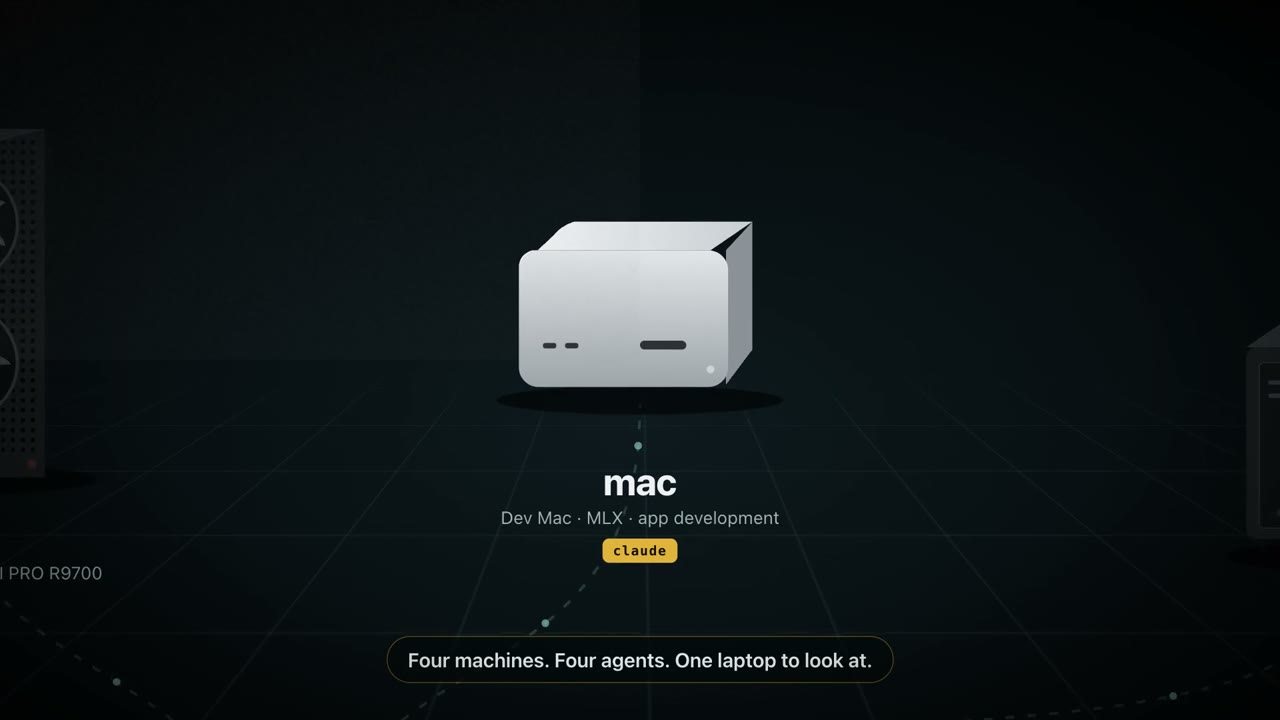
What people send
What to send to it
MLX runs
Training curves and memory graphs from the machine doing the work.
Xcode and Simulator
Build errors, layout bugs, and Simulator screens, as screenshots or recordings.
UI bugs that move
Record a flaky animation or login flow; the agent gets frames it can reason about.
Anything else
Designs, logs, and crash reports: drop them on the nub, choose the Mac.
Set it up
Five minutes, nothing to install over there.
Install dotshot on your Mac
Download the notarized DMG from GitHub Releases and allow Screen Recording in its setup. Nothing gets installed on the other machine.
Make sure this Mac can reach it with a key
ssh -o BatchMode=yes dev@mac-mini.local true && echo readyNo key there yet? Run
ssh-copy-id dev@mac-mini.localonce. Tailscale names and~/.ssh/configaliases (including ones with aProxyCommand) work, because dotshot uses your SSH configuration.Add it as a destination
In setup, or from Terminal (or let your agent do it with the setup skill):
DS=/Applications/dotshot.app/Contents/Resources/dotshot-capture.sh "$DS" add mac dev@mac-mini.local '~/inbound' "$DS" check maccheckcreates a private folder, verifies the key and SFTP, and saves the absolute path your agent will see.Capture
Press ⌃⌥⌘S and drag, or ⌃⌥⌘V to record. The file lands on the machine and its absolute path is on your clipboard.
- On the destination Mac: System Settings → General → Sharing → Remote Login. That's all it needs.
- macOS VMs (UTM, Tart, Parallels, cloud Macs) work the same as long as SSH reaches them.
- The destination Mac doesn't need dotshot. Only the Mac you capture on does.